A team sits down to build a new landing page. The content is ready, the design is clear, and the scope feels defined.
But alas, the work takes longer than expected.
Updates depend on how the page was originally built, and small changes require extra steps to maintain layout integrity. At this point, what looked like a quick edit turns into a series of adjustments just to keep things moving. This type of slowdown often traces back to the content management system (CMS).
A CMS determines how your site is built and how your team works within it. That underlying structure influences how easily you can update content or design and maintain site performance.
Traditional CMS platforms, headless CMS solutions, and visual CMS tools each require a different approach. Those differences matter when it comes to how quickly your team can make updates and how much coordination it takes to get them live.
In this article, we’ll walk through how traditional CMS, headless CMS, and visual CMS platforms compare — and how to choose the right fit based on the way your team works.
3 Common CMS Types for Website Builds
At a high level, most site platforms fall into one of these three categories:
- Traditional CMS
- Headless CMS
- Visual (hybrid) CMS
Certain systems keep things simple, while others give you extra control and a bit more complexity behind the scenes. In the subsequent sections, we’ll get into the nuances of each.
Traditional CMS: Straightforward But Limited
A traditional CMS keeps your content and design in one place. Your team works within a single system to make updates and publish changes.
Platforms like WordPress and Drupal follow this model. You log in, edit content, adjust templates, and publish changes from a single environment. The architecture of platforms like these can lower the barriers to getting started. Many teams already know the tools, and templates or plugins reduce how much needs to be built from scratch.
But as the site evolves, the structure can create constraints.
Design flexibility depends on the theme or builder in place. Often, website performance declines as plugins increase. And updates usually require more coordination, especially when the original setup wasn’t designed for ongoing changes.
We see these downsides play out in subtle ways. Teams adjust ideas to fit the system and updates shrink in scope. Changes eventually stay on the back burner longer than expected (like your Q1 goal that drifts into Q4).
Generally, traditional CMS platforms work well for smaller sites or teams focused on getting something live quickly. They support straightforward builds with lower complexity.
Headless CMS: Flexible with More Moving Parts
A headless CMS stores your content separately from where it shows up on the site.
Content lives in a backend system, while the frontend is built independently using modern frameworks. Platforms like Contentful follow this approach.
Because content and the front end are separate, teams have more control over how they build and update the site.
- Developers can shape the experience without working inside a predefined layout.
- Performance can improve when the system is built with intention.
- Content can extend across multiple channels (including web, apps, etc.).
A multi-channel setup is usually where headless CMS platforms make the most sense.
A restaurant chain is a good example. Menus may need to appear on the website, mobile app, delivery apps, kiosks, and internal systems at the same time. Instead of updating each platform separately, a headless CMS can act as a single source of truth across all of them.
The same logic applies to companies managing content across multiple websites, apps, or digital experiences.
That flexibility also comes with more decisions. The content model needs structure. Integrations need planning. And as the system grows, consistency depends on how well those pieces connect.
From a workflow perspective, updates often involve development support. Marketing teams may rely on developers for changes, depending on how the system is set up.
Headless CMS platforms usually make the most sense for businesses managing content across multiple platforms or teams with highly specific performance requirements. For many sites, though, the added complexity may outweigh the benefits.
Traditional vs. Headless CMS: Where Teams Feel the Gap
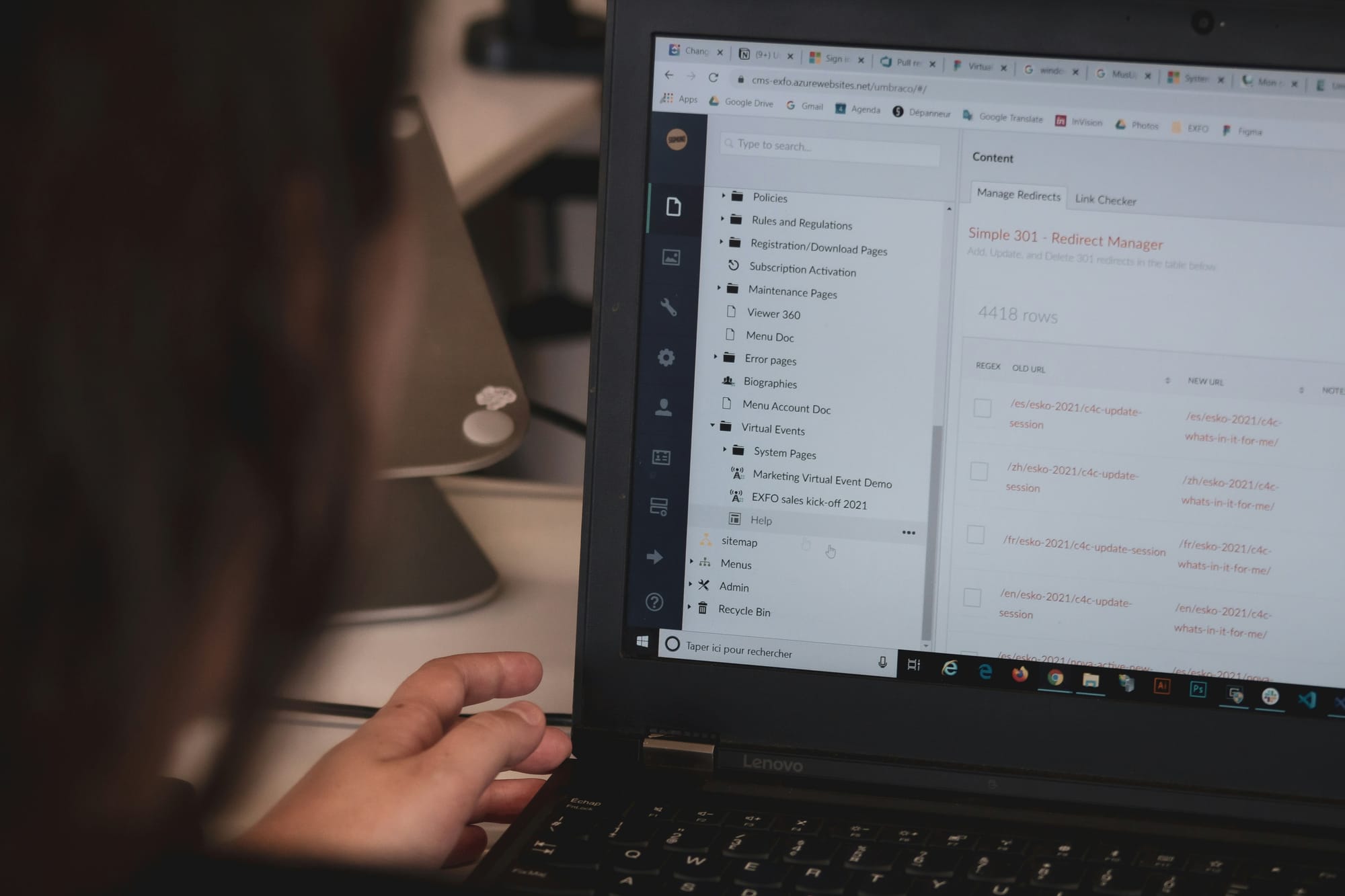
Growth tends to expose the gaps in a CMS setup, especially when updates become more frequent or complex.
A traditional CMS can start to feel limited when you need more flexibility. But on the flip side, a headless CMS may require more effort than expected for basic updates.
Most teams end up looking for a balance. They want more control over design and performance, without adding extra steps to basic edits.
Sometimes the question is simple: Does this CMS make everyday updates easier or harder for the team implementing them?
This is where visual CMS platforms (often called hybrid CMS) come into play.
Visual CMS: A Balanced Approach
A visual CMS sits somewhere between a traditional and a headless platform.
Content and design still live together, so your team can work directly on the page. At the same time, there’s enough structure behind the scenes to keep the site stable as it grows. Platforms like Webflow are built around this model.
The difference becomes evident when your team starts making updates. For example, your marketing teams can edit content directly (typically via a user-friendly drag-and-drop interface) while developers define the structure and maintain performance. That separation reduces back-and-forth while keeping the system consistent.
A visual CMS also makes it easier to iterate. Landing pages, content updates, and design changes move forward without long queues or workarounds.
That said, there are still tradeoffs to consider.
Visual CMS platforms have limits compared to fully custom headless builds. For one, setting them up often requires more thought than other platform types. Teams also need to understand how to work within the system to keep components organized.
Even with those limitations, visual CMS platforms often fit the pace most teams need. Updates move faster while the site remains easier to maintain over time.
Pros and Cons of a Visual CMS
A visual CMS gives teams a middle ground between a traditional and a headless setup. Here’s a quick summary of where it tends to work well and where teams may still run into limits.
Pros of a visual (hybrid) CMS
- Content updates can happen directly on the page
- Marketing teams rely less on developers for routine changes
- Landing pages and content updates are easier to move through
- The site structure keeps layouts consistent
- Faster turnaround on landing pages and content updates
Cons of a visual (hybrid) CMS
- Custom functionality has limits compared to a headless build
- The initial setup needs to be done intentionally with developer guidance
- Teams need time to learn how the system works
- More complex features may still require developer support
For many teams, a visual CMS works best when the goal is to keep updates moving while maintaining a stable foundation. It’s also a strong fit when you need more flexibility than a traditional CMS but don’t want to take on the overhead of a fully headless setup.
Why Your CMS Matters for Web Performance
Your CMS ultimately determines how easy it is to work on your site day to day.
When the setup is a good fit for your workflow, updates move through without much extra effort. Admins can make changes without second-guessing the system, and scheduled site work moves forward smoothly. When the CMS setup no longer supports the way your team works, issues show up in small (yet quite disruptive) ways. Simple update procedures start to take longer and on-site changes require more cross-team coordination.
For what it’s worth, we see this scenario a lot. It’s not at all uncommon or indicative of something unfixable. The website still runs, but the CMS that worked at the beginning is now making it a pain to build on the foundation.
That’s usually a good time to reassess your CMS.
If you’d like an outside perspective, we would be happy to take a look. Our team will explore your existing setup with you and discuss any recommended actions that could make it function more smoothly. Get in touch with Chek to get started today!